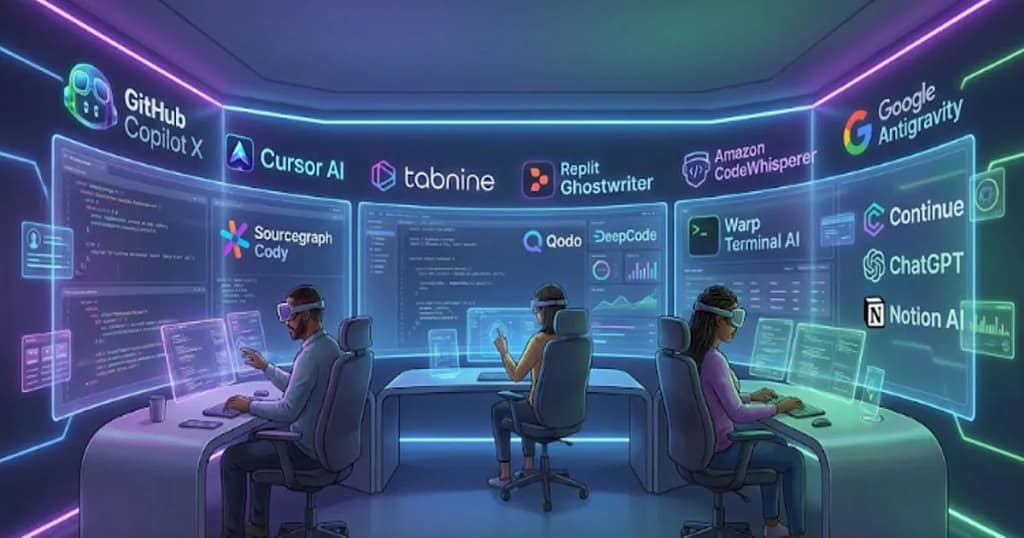
AI tools for developers are very essential in 2026. AI tools are powerful, context-aware, and deeply integrated into everyday coding life—from IDEs and terminals to cloud infrastructure and documentation pipelines.
Whether you’re a beginner, a full-stack engineer, or part of a DevOps team, AI tools definitely help in your life and make coding easier. Today I will tell you about the top AI tools every developer should know this year.
2. AI Coding Assistants
The AI Coding Assistants is just like your personal assistant, which helps you to write, debug, and document the code faster than a human assistant with real-time assistance like generating code, finding bugs, explaining complex code, and automating tasks.
The key features are: –
- Code Generation & Completion
- Debugging & Refactoring
- Code Explanation & Documentation
- Testing
- Contextual Understanding
Some Tools Are as follows:
GitHub Copilot X link
The GitHub Copilot X is a vision of future AI-powered development, which suggests code completion, writes functions based on comments, and understands repo context. It is integrated with Github ecosystem (VSCode, JetBrains IDE). This is best for the teams and developers who are highly live on GitHub and want intelligent, real-time help. It is deep integration with Git.
Cursor AI
Cursor AI is an AI-enhanced code editor, or say IDE. It is best for deep codebase understanding. This is for small teams or individual productivity.
Tabnine
Tabnine is an AI completion tool. It is best for predictive completions with privacy options. This is best for privacy.
Replit Ghostwriter
Replit Ghostwriter is a cloud-based AI coding assistant. It is best for Collaborative browser development. It is good for remote teams & learners.
3. AI Tools for Full-Stack & Cloud Developers
For full-stack and cloud developers, AI is important, and many freshers or professionals are taking help from AI tools because it increases productivity by reducing time. The main tools are: –
Amazon CodeWhisperer (AWS)
The purpose of this is for a cloud-optimized AI code assistant. The backbone of this model is AWS generative AI via CodeWhisperer (part of Amazon Q Developer). The strength of this model is AWS-specific code suggestions, security hints, and SDK usage. IT is Built-in AWS security checks, enterprise options.
The unique advantage of this tailored AWS workflow and real-time AWS API code generation is ideal for cloud developers focused on AWS.
Google Antigravity
The purpose of this is for AI-native development environment with autonomous agents. The backbone of this model is Google Gemini 3 Pro (plus optional models). The use of this is agentic workflows, multimodal assistance, and advanced editing. It has moderate security features.
The unique advantage of this AI-first interface with autonomous agents for complex tasks is ideal for developers wanting cutting-edge AI interactions.
Sourcegraph Cody & Amp
The purpose of this is for Enterprise-scale code intelligence & AI agents. The backbone of this model is multiple LLMs depending on the setup. The core strengths are enterprise search, refactors, automated documentation, and tasks.
The unique advantage of this Built to scale across huge repos and enterprise teams and ideal for Teams with large codebases and deep customer/compliance needs.
4. AI Tools for Code Quality and Debugging

| Feature/Tool | Qodo (AI Code Review) | DeepCode (by Snyk) |
|---|---|---|
| Purpose | Automated, context-aware code review across SDLC | AI-powered, security-focused static code analysis and fixes |
| Core Focus | Code quality, architecture insights, rule enforcement | Security vulnerabilities and code quality issues |
| Context Awareness | Full codebase context, multi-repo impact detection | Runs per file/PR context and CI/CD scanning |
| AI Approach | Agentic review agents that analyze deep project context | Hybrid AI (symbolic + generative) tuned for app security |
| Strengths | — Detects architectural and cross-repo issues— Enforces coding standards and quality workflows | — Detects security vulnerabilities and unsafe patterns— Suggests automatic fixes with high accuracy |
| Security Depth | Enhanced via integration with security tools (e.g., Snyk Studio) for real-time alerts | Built specifically for security scanning and risk prioritization |
| Real-Time Feedback | Yes—code reviews, quality enforcement, rule automation | Yes—real-time scanning and inline feedback as you code |
| Automated Fix Suggestions | Yes (quality and compliance) | Yes—auto-fix suggestions for security issues |
| Best For | Teams needing enterprise-scale quality governance and deep context reviews | Developers and teams prioritizing app security and vulnerability detection |
| Typical Use Cases | Enforcing quality gates, catching cross-repo issues, reducing manual reviews | Scanning for vulnerabilities, fixing security bugs early in the SDLC |
5. AI Terminals, Editors & Productivity Tools

| Feature | Warp Terminal AI | Continue (Open-Source AI Assistant) |
|---|---|---|
| What it is | A smart terminal that helps you write commands and fix errors faster | An open-source AI assistant that works inside your IDE |
| Where it works | Inside the command line (CLI) | Inside VS Code, JetBrains, and other editors |
| What it helps with | Commands, scripts, logs, and automating terminal tasks | Code generation, editing, refactoring, and debugging |
| Customization | Limited customization | Fully customizable — you can even self-host it |
| AI models | Uses built-in AI support | Works with any AI model (local or cloud) |
| Who should use it | DevOps engineers, backend devs, and anyone who lives in the terminal | Developers who prefer open-source tools or want more privacy and control |
| Best part | Makes terminal work faster and easier | Lets you build your own AI coding workflow without paying for premium tools |
| Offline support | Partial support | Fully offline if you use local models |
| Privacy | Standard level | Very high — you can run everything on your own machine |
6. Best AI Tools for Documentation & Project Automation
Strengths Very strong writing ability, detailed explanations, creative content, and problem-solvingGreat for turning messy notes into clean pages, planning tasks, and managing team documentation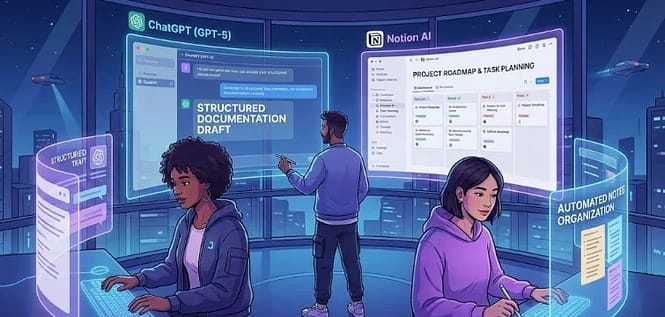
| Feature | ChatGPT (GPT-5 Models) | Notion AI for Docs & Planning |
|---|---|---|
| What it is | It is a powerful AI assistant that can write, explain, summarize, and generate any type of content | It is An AI built inside Notion to help with documents, notes, planning, and team workflows |
| How it works | Chat-based interface where you ask questions or give prompts | Works directly inside Notion pages with inline prompts and smart suggestions |
| Team Collaboration | Good for generating shared content but needs manual sharing | Excellent—everything stays inside shared Notion workspaces |
| Customization | Highly customizable responses | Customizable inside workspace templates and workflows |
| When to choose it | When you need deep explanations, long-form content, or help with complex ideas | When you want structured docs, team planning, and smooth project organization |
| Best For | Developers, writers, students, and anyone who needs strong content generation | Teams, project managers, and people who use Notion daily |
7. How to Choose the Right AI Tool for Your Development Needs
Choosing the right AI tool according to your need as i mention above every Ai has its own features with its own importance some have security and some are cloud based and developer also. So instead of chasing a new tool, focus on the one that actually improves your workflow. for example If you’re in AWS, CodeWhisperer fits for you and If you work with GitHub, Copilot X gives the best experience.
8. Conclusion
In today life or in future AI tools will become a core part of Development and by 2026, they are no longer optional they are essential. Whether we are writing code, reviewing PRs, managing cloud workflows, or documenting projects, AI now supports every step of the development lifecycle.
We can use Ai From coding assistants like Copilot X, Cursor, and Tabnine, to enterprise-grade cloud tools like CodeWhisperer, Antigravity, so that developers can work fast with more accuracy.
Now experience in the tech domain doesn’t matter; the right AI tools definitely improve our workflow and help us to build better applications in less time with more features.
AI isn’t here to replace developers. The developers who embrace it early will be the ones who stay ahead in 2026 and beyond.
Related post
- what is Java?
- OOPs in java
- Tech Skills That Can Increase Your Salary in 2026
- Best Tech Skills That Generate Passive Income in 2026
- New Rule for IT Jobs in 2026 May Affect Fresher Hiring in India
Discover more from GroWithMoney
Subscribe to get the latest posts sent to your email.
Pingback: How to Get Your First Tech Job: 9 Steps to Succeed
Pingback: TCS NQT 2026 Interview: My Real Experience & Mistakes
Pingback: 10 Top IT Companies Hiring Freshers– Eligibility, Salary